 TopMC®
File reading
File reading is mainly done by clicking icon to open the file reading dialog box to read data, as shown in the figure below.
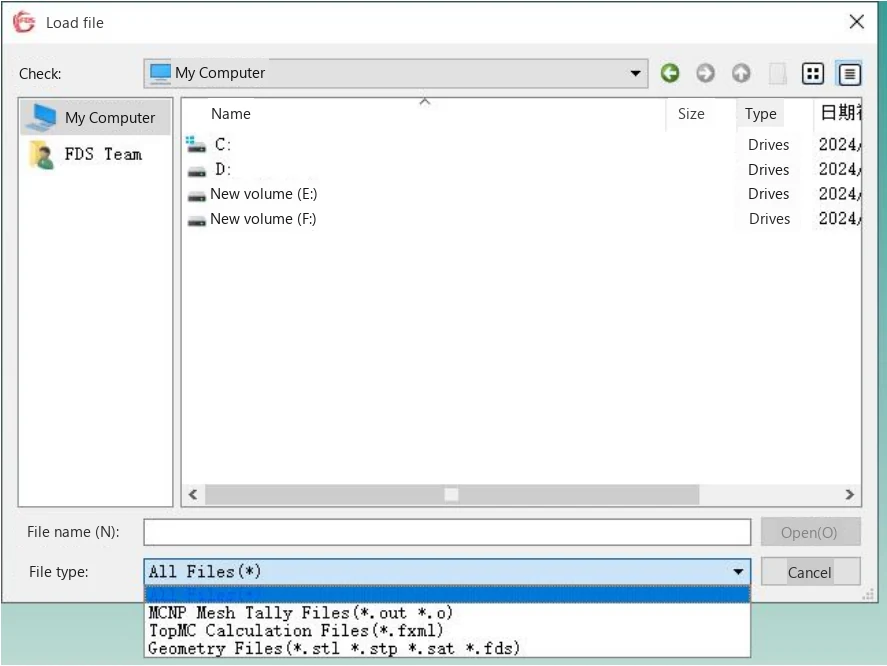
Mainly supports MCNP mesh calculation results, TopMC calculation results; three-dimensional model data (including stl, stp, sat and its own fds format); its sub-function list is detailed in the table below.