 TopMC®
Enhance display interaction
Display management of mesh tally nodes
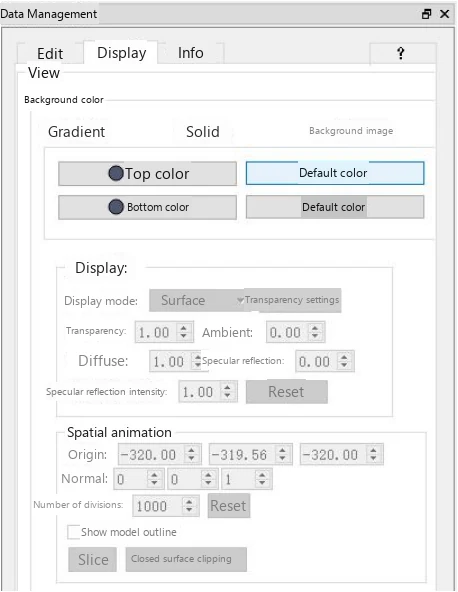
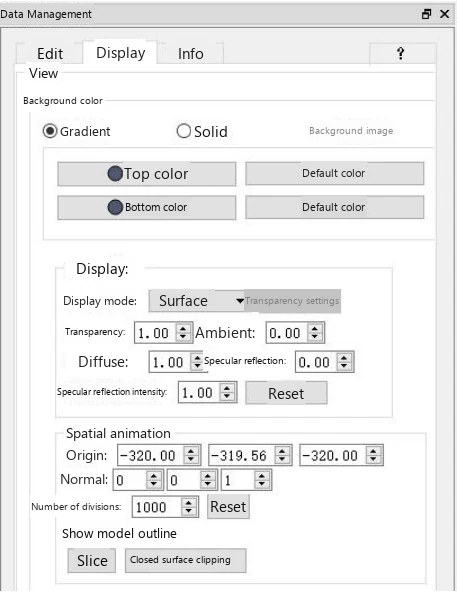
After selecting the mesh tally node, if the eye icon is not activated, the display page interface will appear as shown below (a), and all panel options will be inactive; if the eye icon is activated, the display page interface will appear as shown below (b), and all panel options will be activated.
(a)(b)
Figure 1 Mesh tally node display management
The relevant functions are described below.
Display management of cell tally nodes
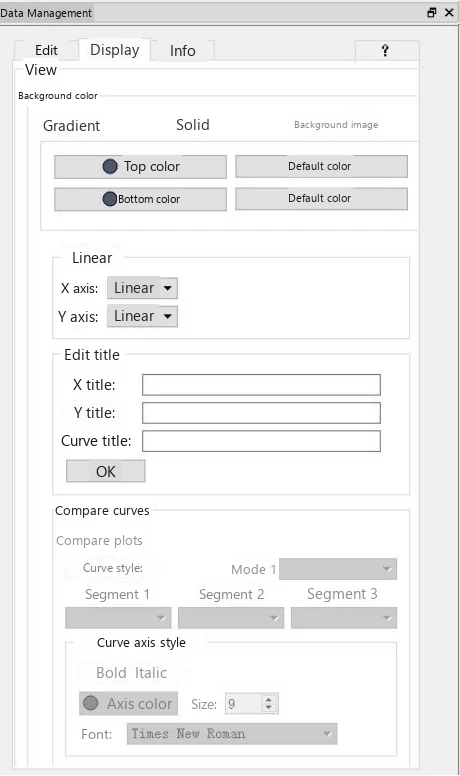
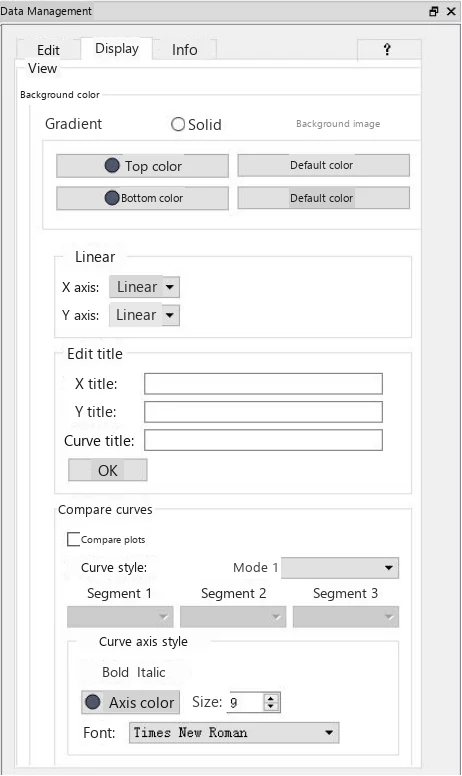
After selecting the cell tally node, if the eye icon is not activated, the display page interface will appear as shown below (left), and the multi-curve comparison panel option is inactive; if the eye icon is activated, the display page interface will appear as shown below
(right), with the multi-plot comparison panel option activated.
Relevant instructions are as follows.
Display management of geometric model data node
After selecting the geometric model data node, if the eye icon is not activated, the display page interface will appear as shown below (left), and all panel options are inactive; if the eye icon is activated, the display page interface will appear as shown below (right), and all panel options will be activated.
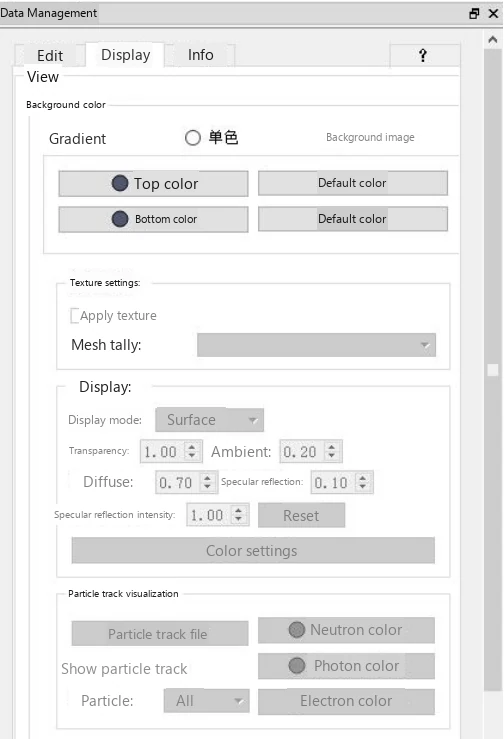
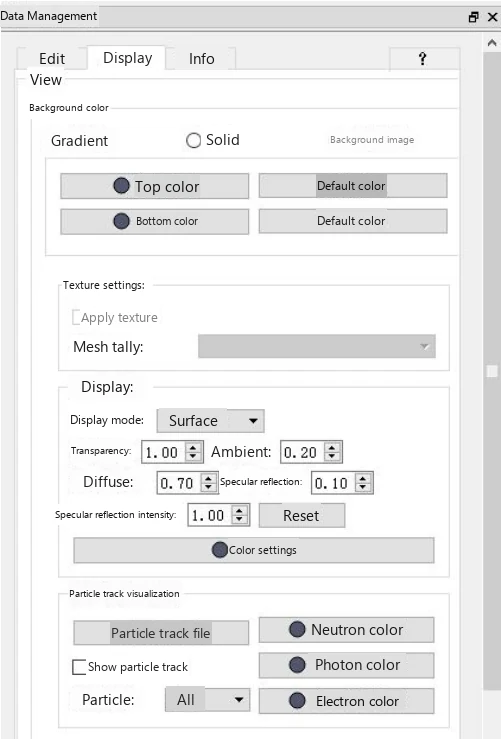
Relevant instructions are shown in the table below.
Display management of line pick (Line) data node
After selecting the line pick (Line) data node, if the eye icon is not activated, the display page interface will appear as shown below (left), and all panel options are inactive; if the eye icon is activated, the display page interface will appear as shown below (right), and all panel options will be activated.
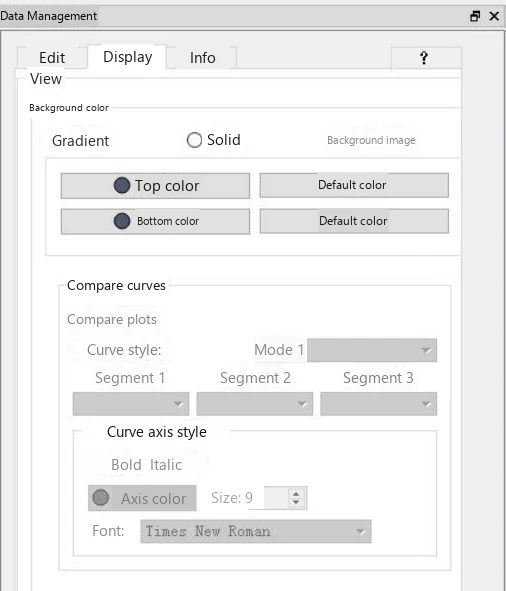
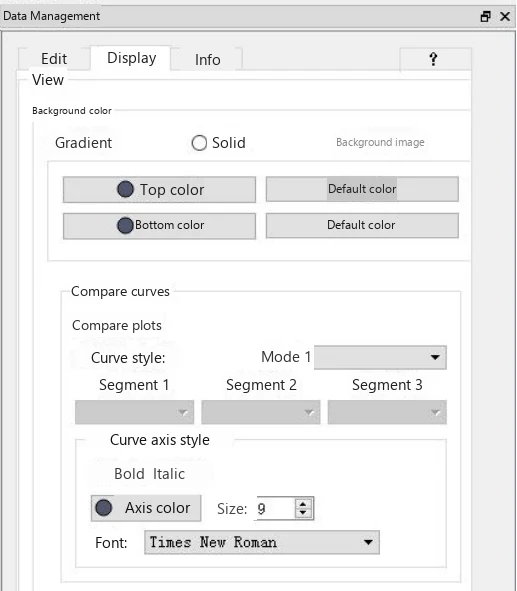
Relevant instructions are shown in the table below.